
Contract Information
- Coaches
- Can see
- Players
- Hidden
- Parents
- Hidden
Digital platform
The coach's working plan for the trip. Manage the itinerary, add your team's activities, and keep players and parents on the version you want them to see.
You enter the travelers, the rooming list, and the flights. Trip Sports puts the event details in the same place.
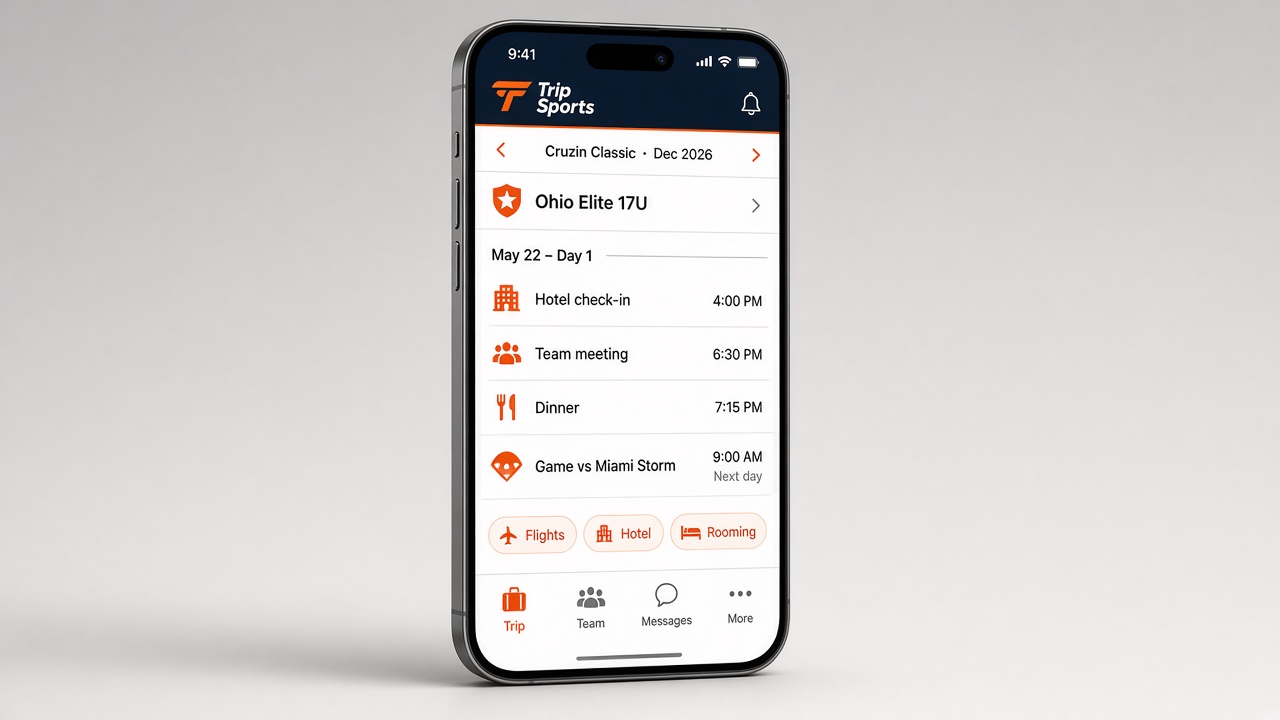
Concept mockup
This is the work Trip HQ does for the person running the trip. Invites and access come after the plan exists.
Trip Sports puts hotels, ground transport, practices, games, and event specifics (uniforms, protocol, the game file), along with the pieces you enter, in one place.
The day-by-day foundation comes from Trip Sports. Coaches add only the custom activities they put on the itinerary — team dinners, study hall, team meetings, free time, and the like.
Coaches enter the team members and the Official Traveling Party so the record stays accurate because you entered it.
Enter the flights so arrivals, departures, and ground needs stay tied to the real schedule.
Build the rooming list to give Trip Sports accurate who's-in-which-room information, and adjust it when things change.
Share the plan with players so they know when to be there and what comes next.
Optionally give parents that same trip on a family view so they stay informed without the operations desk. Parents may appreciate knowing their kids' flight schedules and hotel information, at a minimum.
On one trip
Trip Sports lays the foundation. You add the team details. Other people get a view only when you say so.
Check-in and check-out dates come from the contract. Games, practices, and ground transportation are scheduled by Trip Sports.
Team Members, the Official Traveling Party, the Rooming List, and custom team activities — team meetings, team dinners, and the like.
Players, parents, and other team roles see only the view you allow.
Players get a direct invite. Parents get a direct invite or a special code. You can edit access after they register.
The head coach uses Trip HQ for the trip. Sharing with assistant coaches, players, and parents is optional - you are welcome to use your own method/tools for communication with your program.
You choose whether assistant coaches, players, and parents get access to your trip information - and how much each role can see. One account does not mean everyone sees the same information.
Send a player a direct invite. They join as a player, on the view you allow — not on the operations desk.
Parents can get a direct invite. They can also join with the parent access code, so you do not have to send every note by hand. If a parent joins with the code, you or your trip administrator, like an assistant coach, must approve them before they can see any private information for your team or trip.
After they register, open the team and change access. Registration is not a lock.
A typical split. You can tighten it. Coaches see operations. Players see what they need to show up. Parents get a family view, not the operations desk.